Available now on macOS. iOS release coming soon to the App Store.
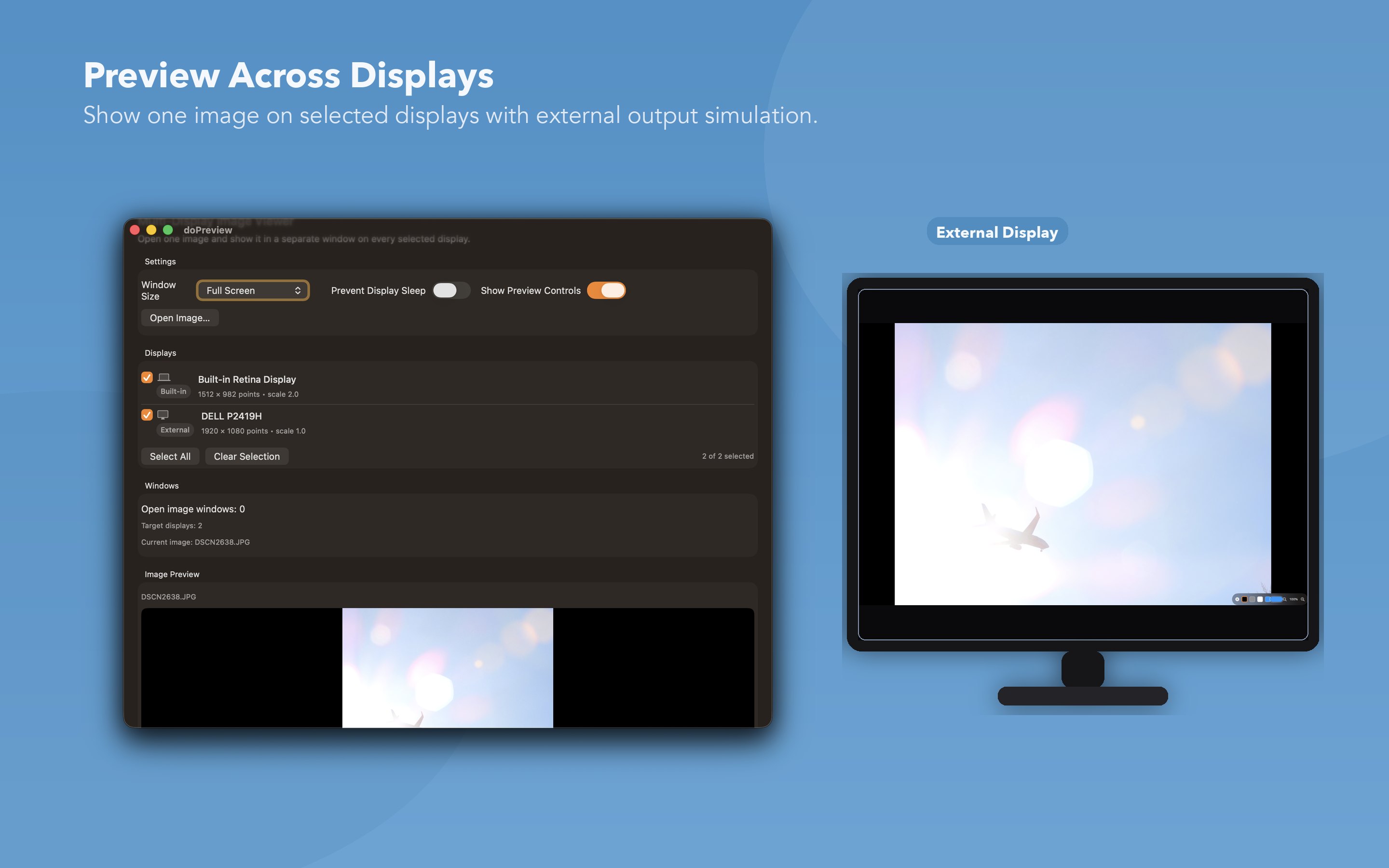
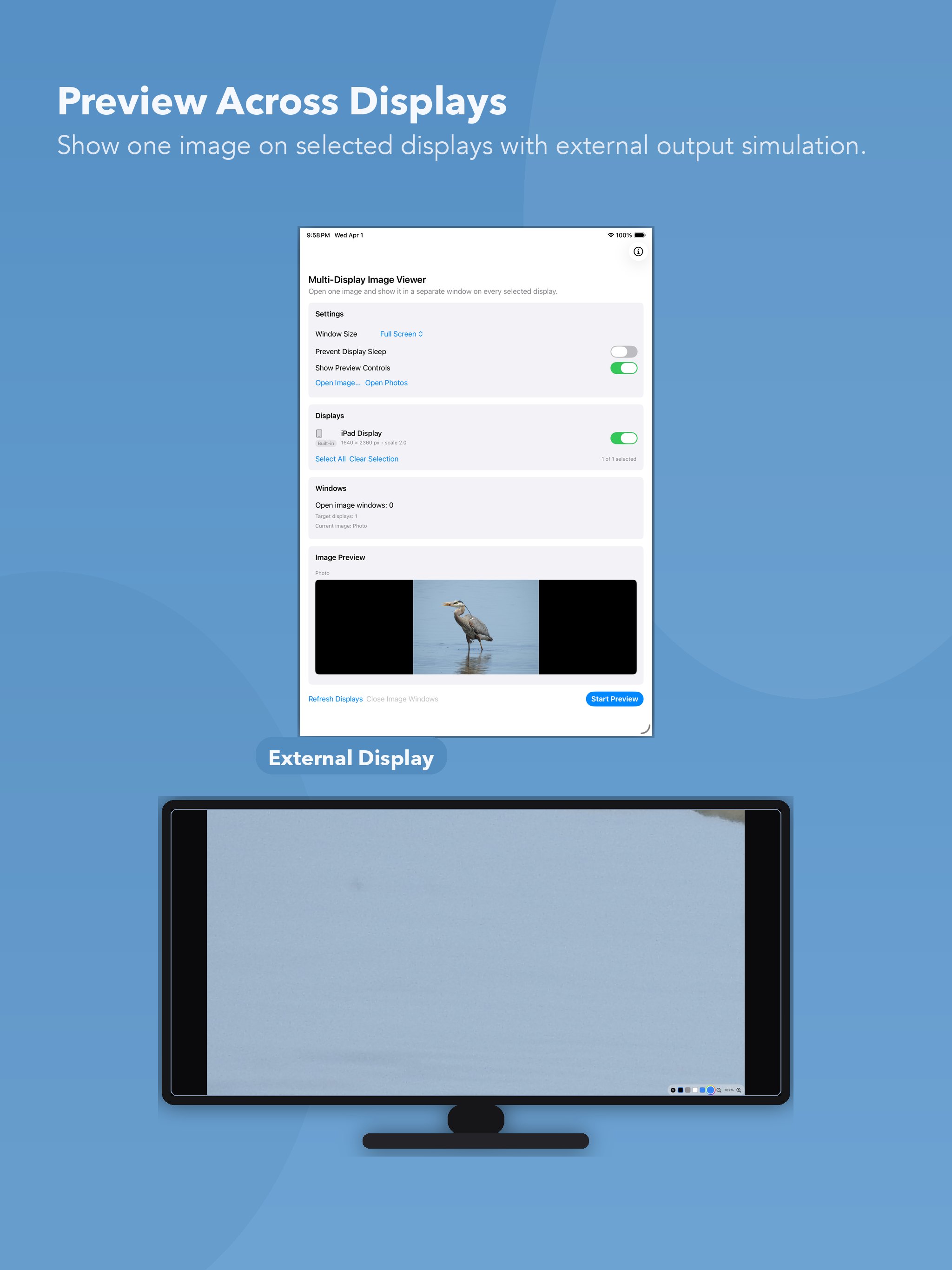
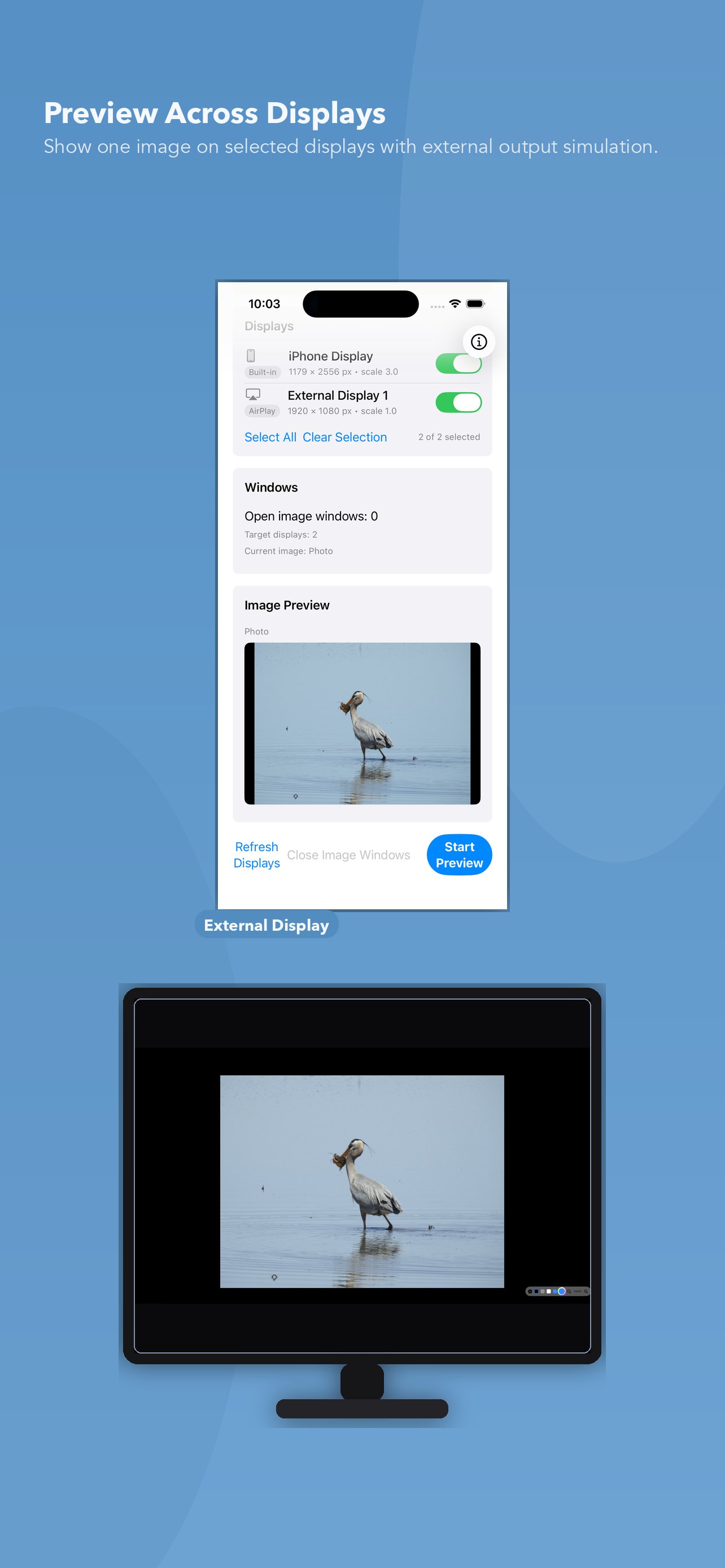
doPreview is built to preview one image across multiple displays with synchronized zoom, pan, and background diagnostics.
How It Works
- Choose an image.
- Select target displays (built-in, external, or all).
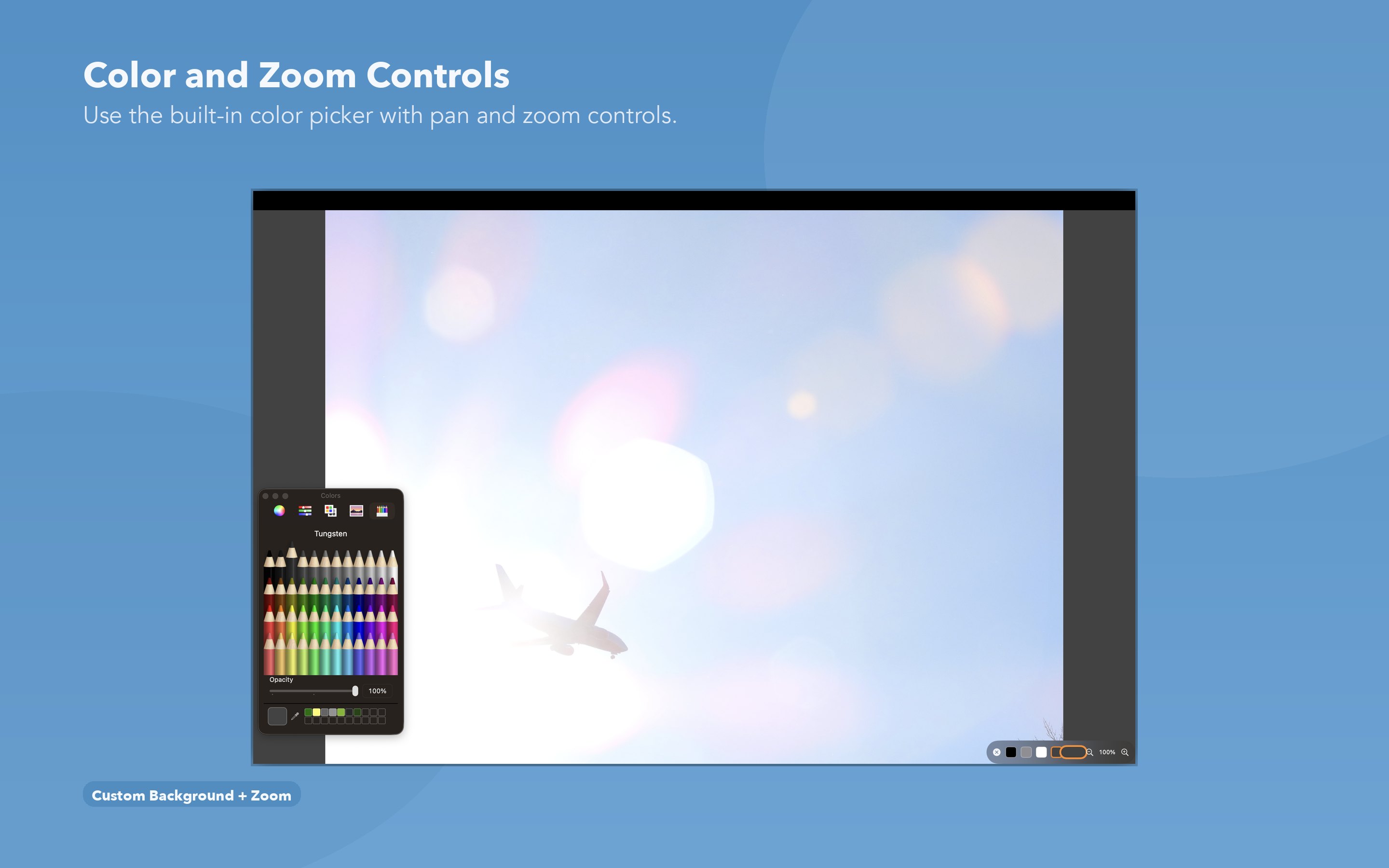
- Start preview and control zoom, pan, and background live.
Core Features
- Per-display selection with all displays selected by default.
- Window size modes: Full Screen or 50% Display Size.
- Synchronized multi-display preview state.
- Optional display sleep prevention while preview is active.
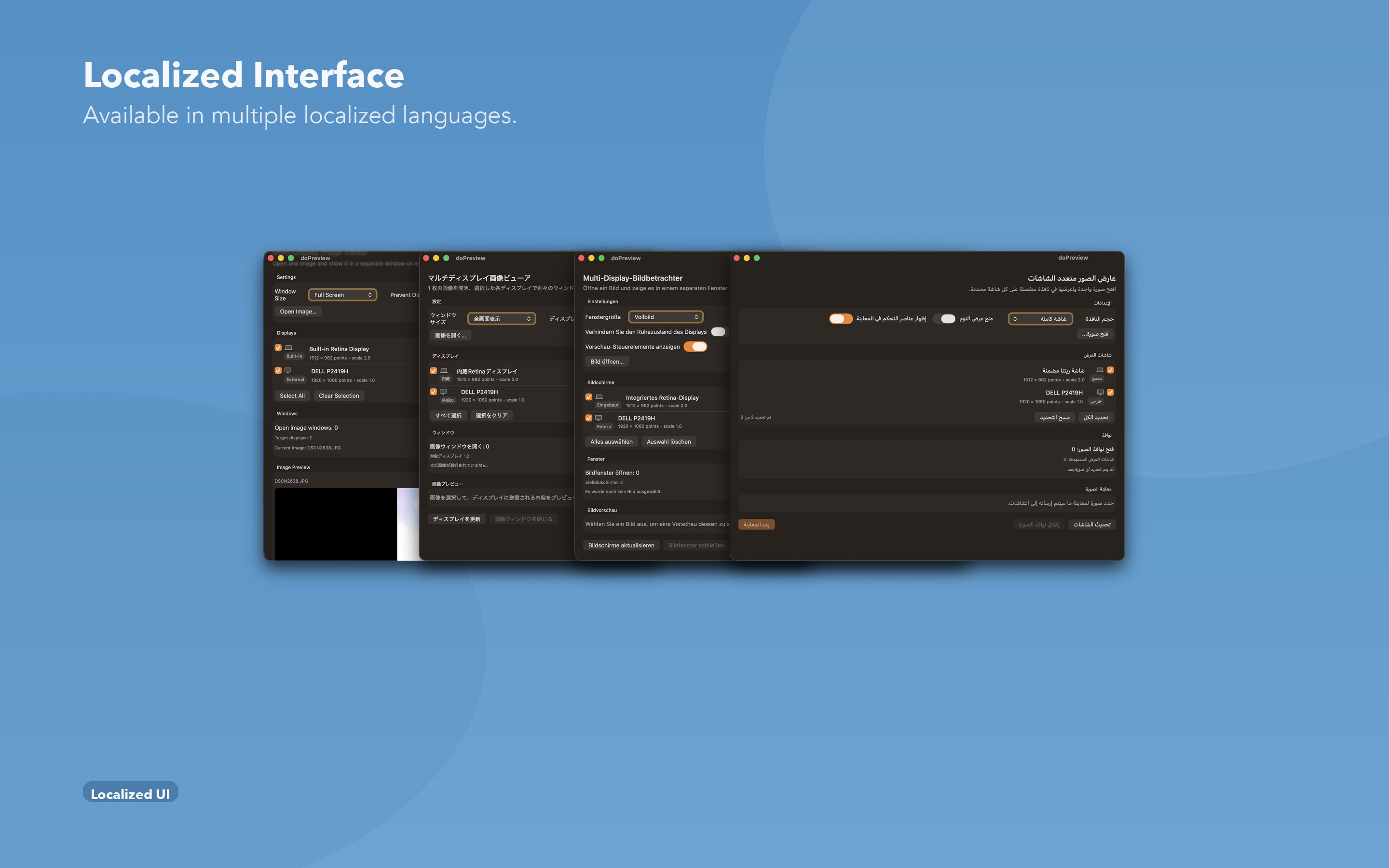
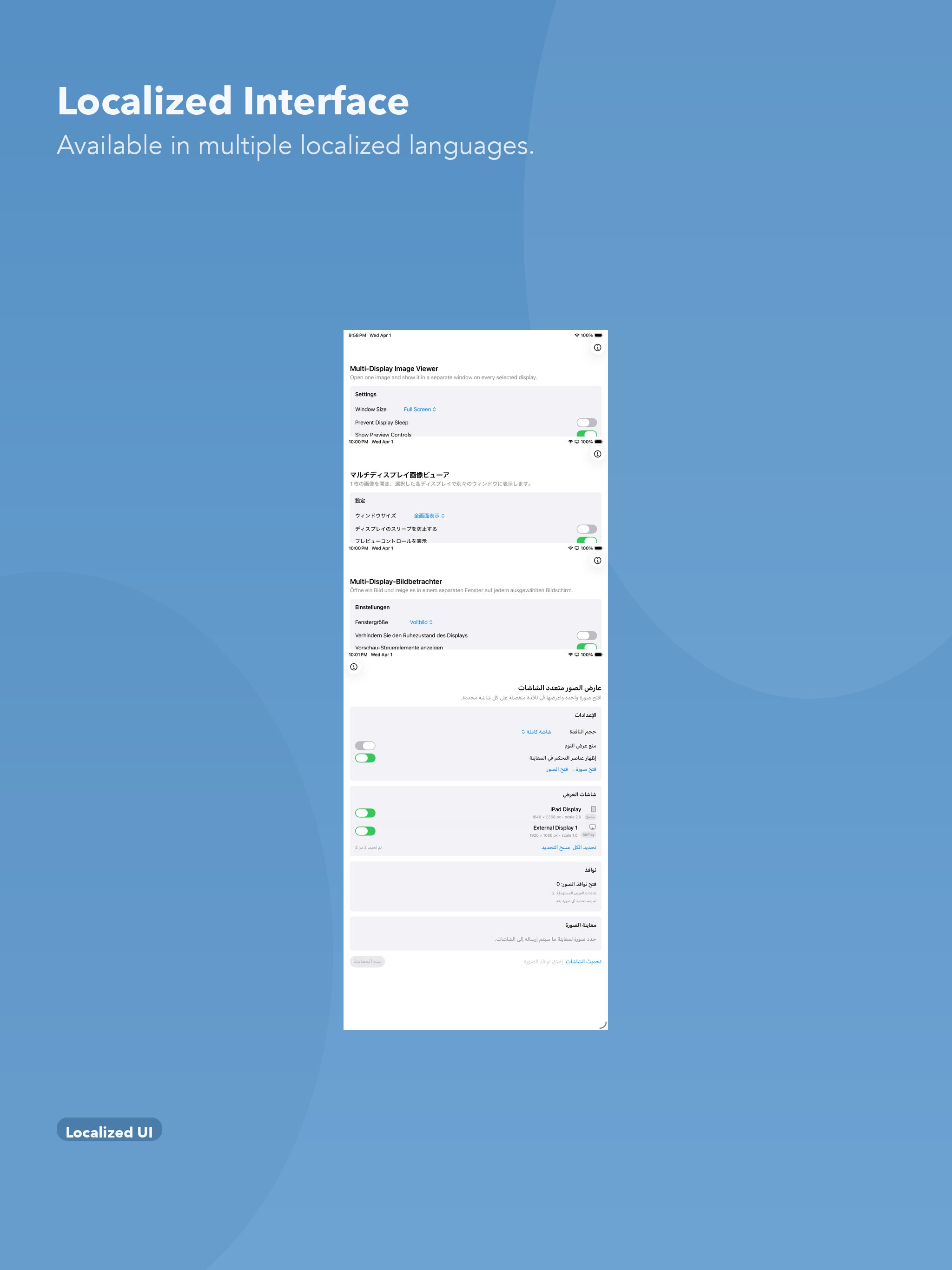
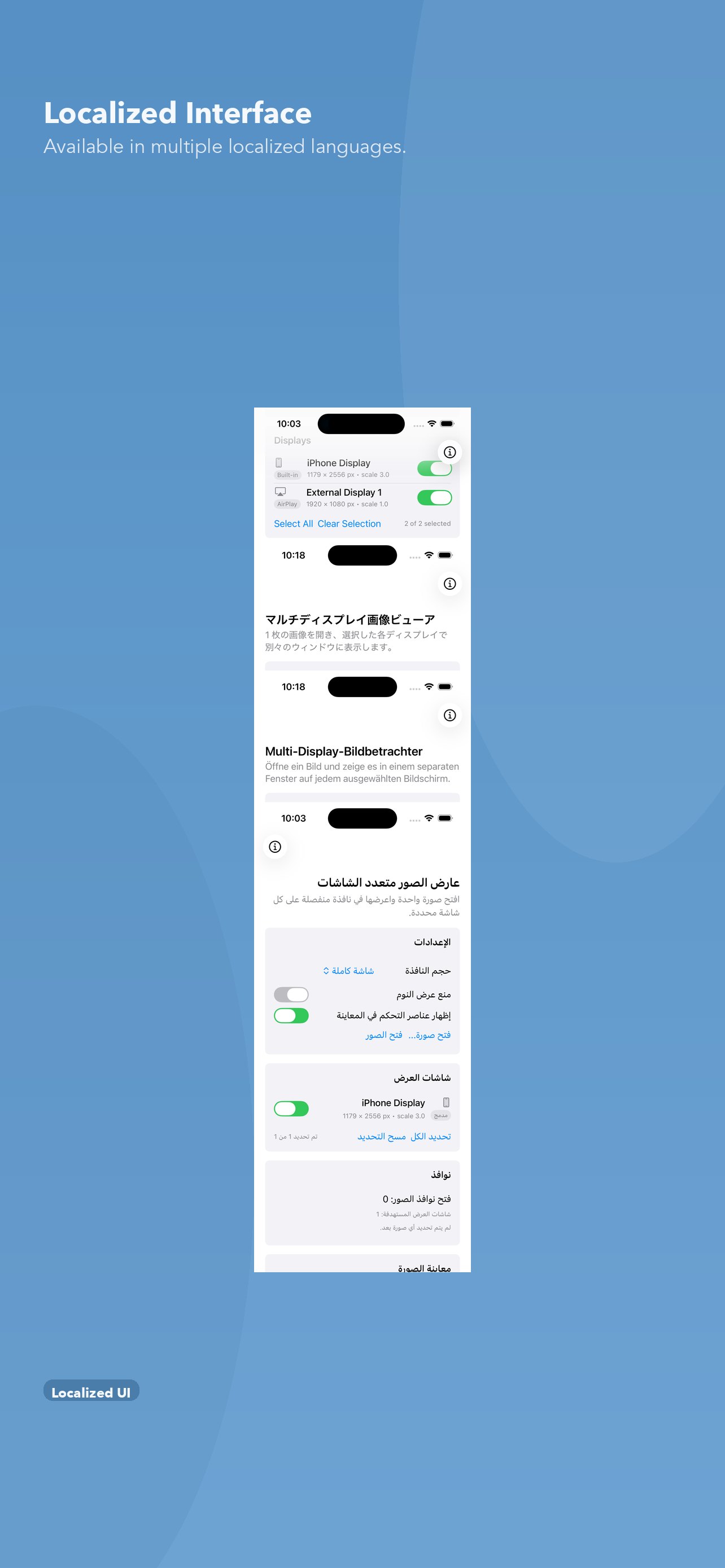
- Localized in 11 languages.
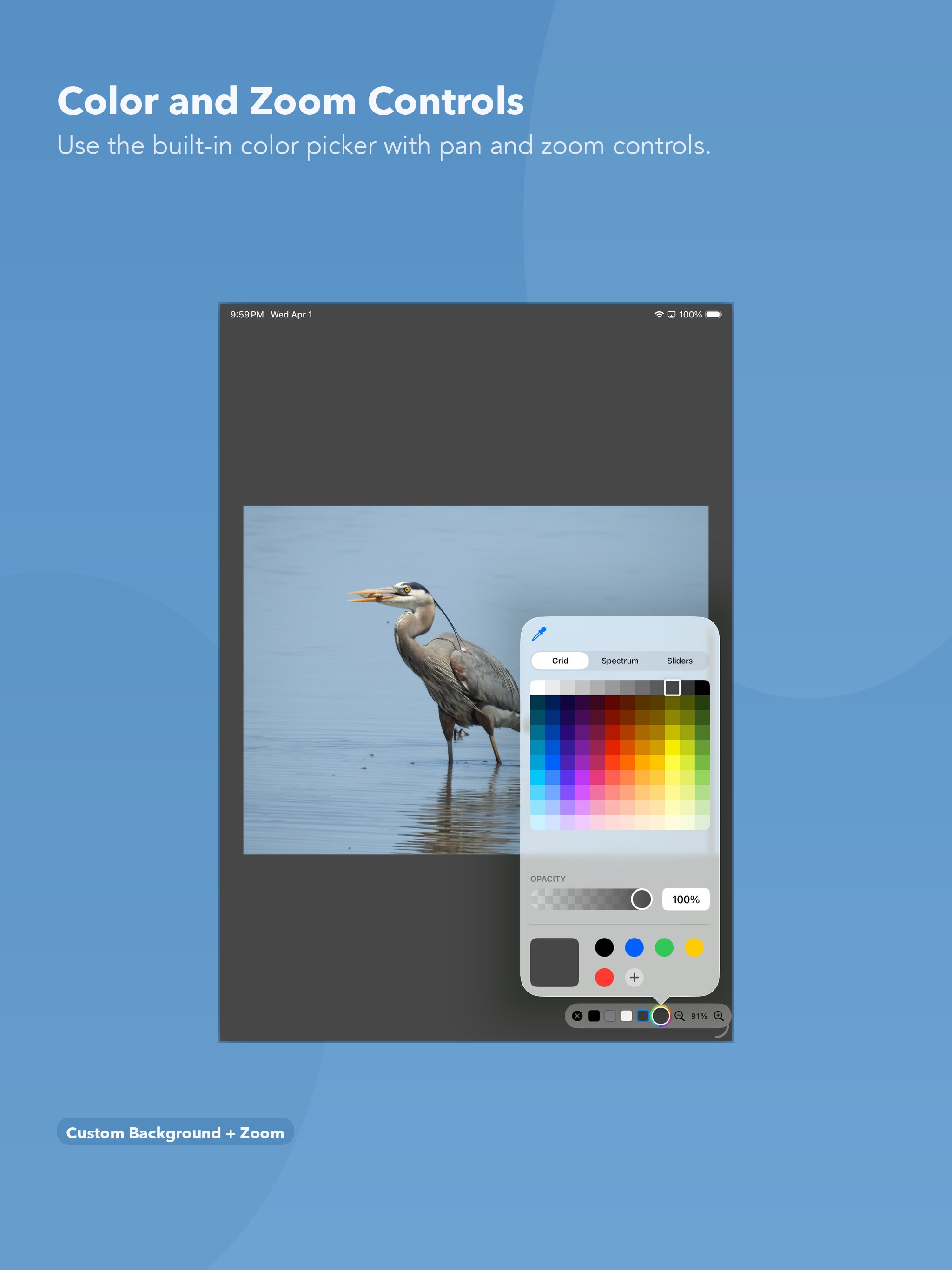
- Touch, trackpad, and pointer pan/zoom support.
- Zoom range from 10% to 6400%.
- Background presets: black, gray, white, plus custom color.
- Preview overlays can be shown or hidden.
Screenshots
See doPreview on macOS, iPad, and iPhone.
macOS
iPad
iPhone
System Requirements
- macOS: 13.0 or later
- iOS: 16.0 or later (iPhone and iPad)
- Processor: Apple Silicon or Intel Mac
- Displays: Built-in plus supported external displays (USB-C/HDMI where available)
Downloads

Detailed controls, keyboard shortcuts, supported image formats, and troubleshooting are in doPreview Help & FAQ.
Privacy details are available at doPreview Privacy.