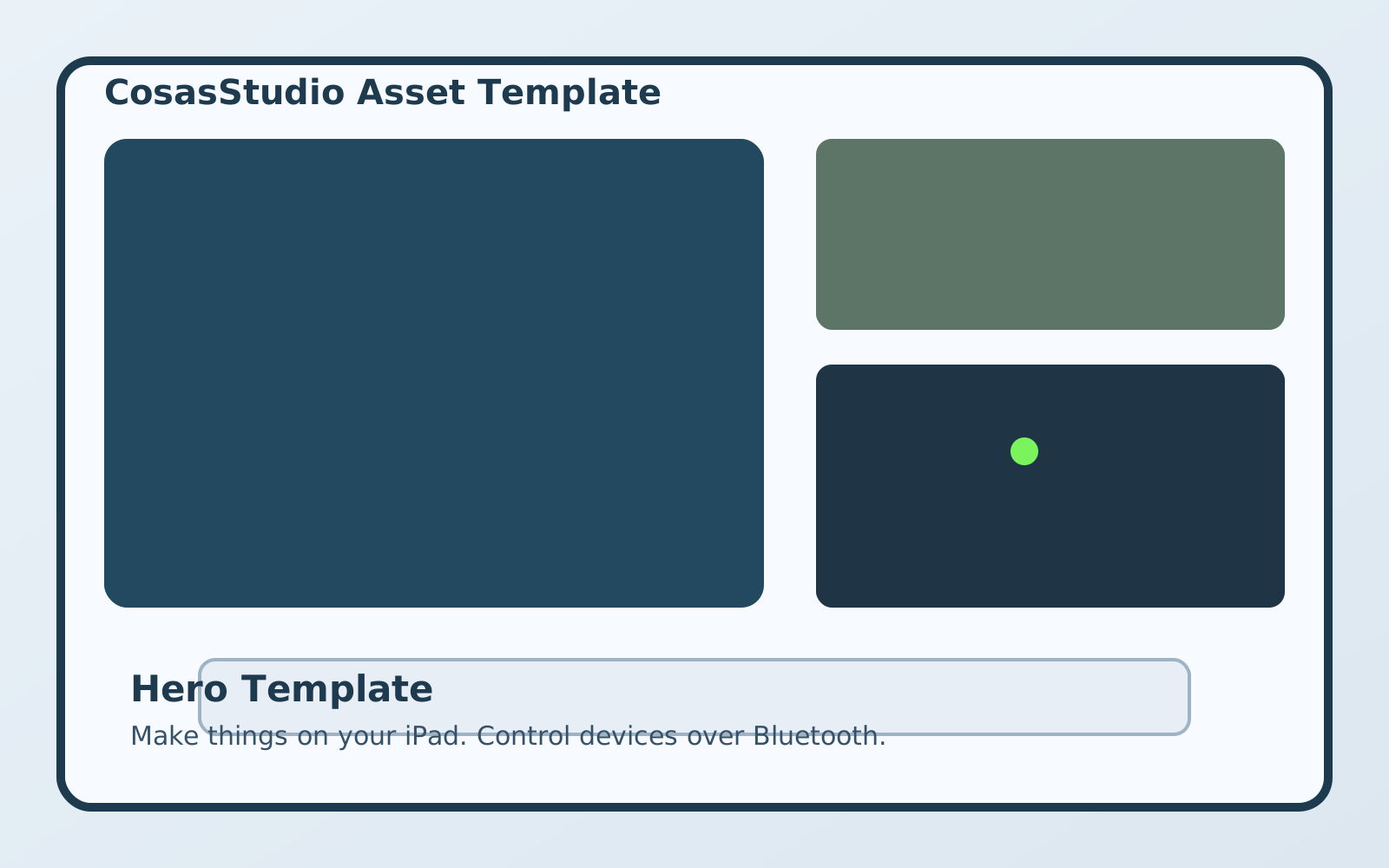
Easy to Use
- Flash Pico: load the runtime to your board in a guided flow.
- Create logic: build behavior with drag-and-drop controls (no code required).
- Upload and run: push updates and control your device over serial1 or Bluetooth3.
Why Makers Choose Cosas Studio
Fast startup
Get from install to first connected device quickly.
Multi-platform
Use iPhone, iPad, and macOS with one consistent workflow.
Unlimited devices
Scale from one board to many as your projects grow.
Make anything
From LEDs to sensors and automation, build the behavior you need.
1 Requires macOS.
2 Requires Cosas Studio Pro in-app purchase.
3 Requires wireless Pico W or Pico 2 W.
doPreview
Available now on macOS. iOS release coming soon to the App Store.
doPreview is built to preview one image across multiple displays with synchronized zoom, pan, and background diagnostics.
- Per-display selection with all displays selected by default.
- Window size modes: Full Screen or 50% Display Size.
- Synchronized multi-display preview state.